Text Match Cut Art logoText Match Cut Art
AI VideoAI ImageHiggsfield Genjutsu
AI Dance
No Scrubs AIWhite Dress Dance AIChipmunks DanceTalk Dirty Dance AIThriller AIBby Wow AILike Jennie AIDame Hombro Dance AIView all dances
AI Trends
No Scrubs AIWhite Dress Dance AICelebrity Kitchen AIFancy Cafe AIChipmunks DanceClosing Door PrankDamon Salvatore AIEnd of Watch AIBirds of a Feather AITiny Desk AITalk Dirty Dance AIThriller AIBby Wow AIBurning Bridges AIGoalkeeper Saves AIFlower Nose AIGoodbye GTA 5 AILike Jennie AIPet Barista AIRubber Band Prank AIPodium Speech AI VideoI Love the Smiths AIOld Town Road AI VideoParisian Stroll AIView all trends
LogoText Match Cut Art

Create text match cuts and explore AI image and video tools.

Product

  • AI Video Generator
  • AI Image Generator
  • Higgsfield Genjutsu
  • AI Dance Generator
  • All trends

Resources

  • Pricing

Legal

  • Privacy Policy
  • Terms of Service
  • Acceptable Use Policy
  • Refund Policy
  • Cookie Policy

support@textmatchcut.artText Match Cut Art ©️ 2026 All Rights Reserved.

Independent service, unaffiliated with model providers. Community demos imply no creator or brand endorsement. Rights concerns? Contact support.

Home
AI VideoAI ImageHiggsfield Genjutsu
AI Dance
AI Trends
My Library

Make words move.
Text match cut.

Turn a word or phrase into a fast-cut newspaper montage.

Live preview

See your words and color in motion.

/ to focus23 characters left
Highlight color Yellow

Free · No ads · No sign-in · No watermark

A LITTLE INSPIRATION

See it in action

Explore a few ideas, then make the words your own.

  • A story about CITY AFTER DARK.

  • A collection of FIELD NOTES.

  • Ready for THE NEXT CHAPTER?

What is a text match cut?

Keep one phrase in focus while the pages around it change.

01

One phrase, many pages

A text match cut holds your chosen words in place through a sequence of newspaper-inspired layouts. Headlines, body text and type styles change around the highlight, creating a transition you can add to a larger edit. Choose a subject, name or idea that makes sense on its own, then use the surrounding video to tell the rest of the story.
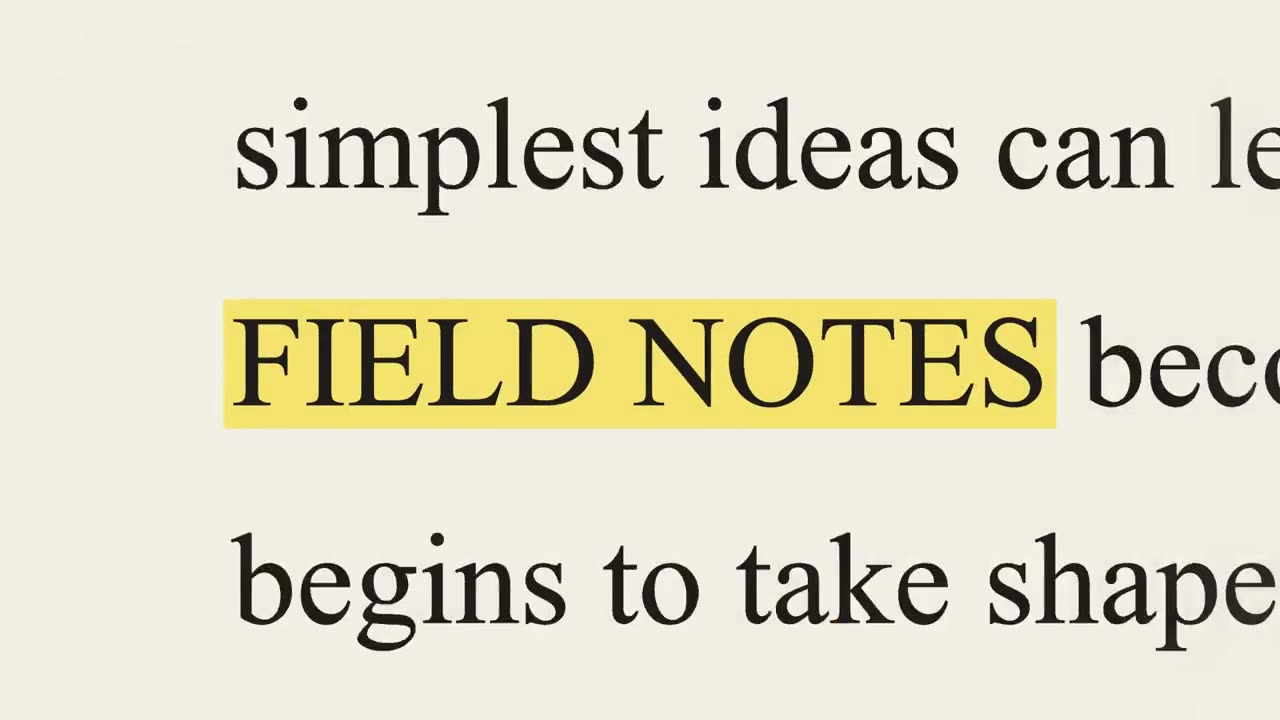
A text match cut highlighting Field Notes

02

Make the frame fit your edit

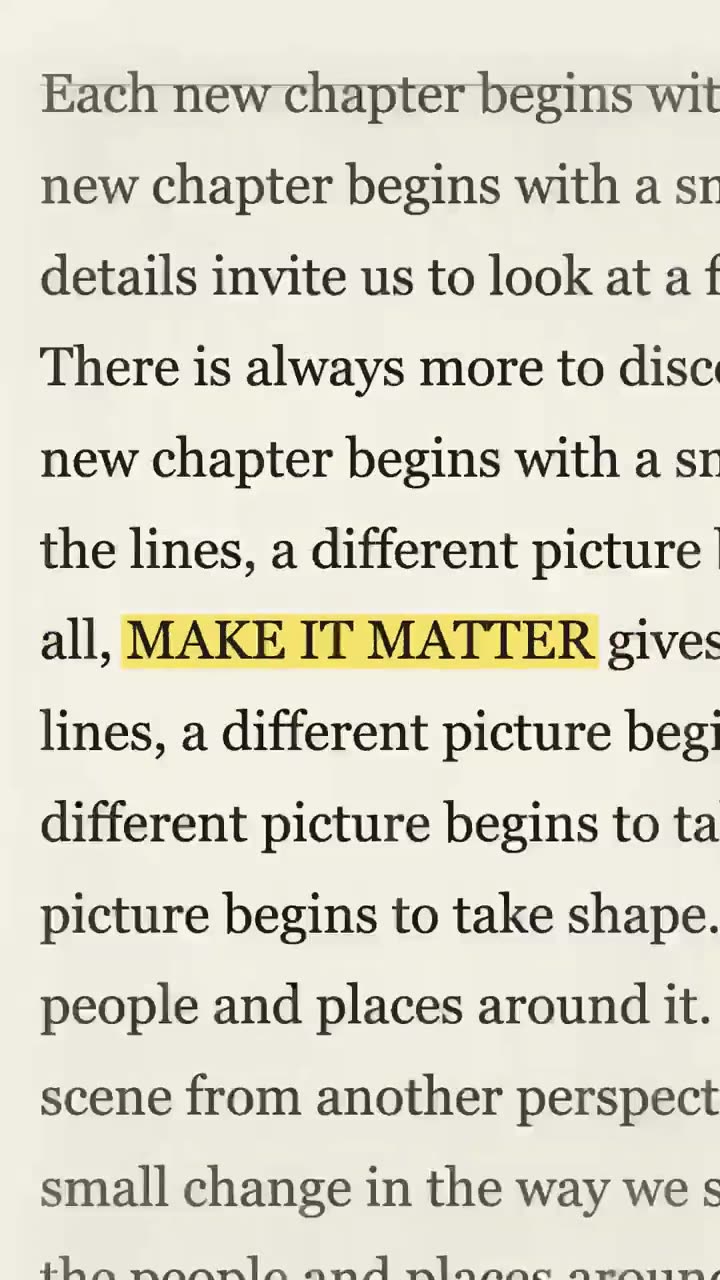
Start with a square preview, then try a vertical or landscape text match cut for your destination. The example shows a vertical cut created in this editor; your words and chosen settings shape the result. Pick the frame that fits your timeline before downloading, and regenerate after changing it.

A vertical text match cut highlighting Make It Matter

How to make a text match cut

Create the clip in your browser, then take it into your own editing workflow.

  1. Step 1

    Choose your focal words

    Type a word, a name or a short phrase of up to 23 characters. It becomes the part that stays in focus as the surrounding layouts change. A concise phrase gives your text match cut a clear focal point.

  2. Step 2

    Generate and adjust

    Create the first cut, then choose a vertical, square or landscape frame. Adjust the sound and open Advanced settings for pace, zoom and blur. Regenerate the text match cut to see those choices in the preview.

  3. Step 3

    Preview and download

    Watch the full clip and download an available format. Bring the text match cut into your video editor when you are ready, and check the final crop alongside the footage it will connect.

Explore AI Trends

Find your next video idea. Choose a ready-made trend and make it your own.

  • White Dress Dance AI

  • Fancy Cafe AI

  • Celebrity Kitchen AI

  • Chipmunks Dance

  • Burning Bridges AI

  • No Scrubs AI

  • Closing Door Prank

  • Damon Salvatore AI

  • End of Watch AI

  • Birds of a Feather AI

  • Tiny Desk AI

  • Talk Dirty Dance AI

View all trends →

Where can you use a text match cut?

A few ways to make a single phrase carry your story.

Open a story

Introduce the subject of a video with one short phrase before moving into interviews, footage or a voiceover. A text match cut can establish the topic quickly while leaving the rest of your edit to provide context.

Highlight a name or idea

Give a product name, event or key concept a recurring visual anchor between chapters of a longer edit. Try the phrase at the beginning and at a later change of scene, with enough time between uses for it to stay effective.

Create a transition

Use changing newspaper layouts to connect two scenes that share a subject or theme. A text match cut can carry the common word across a shift in location, speaker or time without needing a long explanatory caption.

Make a short-form hook

Choose a vertical frame after the first cut and test a concise phrase that remains readable on a small screen. Preview the text match cut in your final editing layout so interface overlays or added captions do not cover the focal words.

Explore more creative tools

  • A group performing together in a warmly lit roomAI Video GeneratorStart a video from a prompt or supported reference media.
  • Two performers in a street sceneHiggsfield GenjutsuAnimate a character photo with a motion reference.
  • Performers in a bright pink studioAI Video TrendsBrowse prepared scenes and choose a template to create.
  • Performers dancing together on stageAI Dance GeneratorChoose a dance template and add photos for its roles.
  • Illustrative fashion portrait with a flowing yellow coatAI Image GeneratorCreate a still image for your next visual idea.

Text match cut questions, answered

Formats, settings and downloads for your first cut.

What is a text match cut?

A text match cut is a sequence in which the same word or phrase remains in one position while the surrounding page and typography change. The repeated focal point gives a quick montage a visual thread, helping a viewer follow the same idea from one layout to the next.

How do I make a text match cut here?

Enter a word or short phrase and select Generate for free. The first text match cut uses a square frame. After it appears, choose another aspect ratio, format or sound, then regenerate to apply your changes. Watch the complete preview before downloading.

Is the text match cut generator free?

Yes. The text match cut editor runs on your device without ads, an account or AI credits. The separate AI image and video tools have their own sign-in and credit requirements.

How much text can I enter?

The editor accepts up to 23 characters. A short word, name or phrase is usually easier to read during a rapid sequence, especially on a phone. If a long phrase feels crowded, try a shorter version and compare the preview.

Which aspect ratios can I use?

After the first cut, choose 9:16 for a vertical frame, 1:1 for square or 16:9 for landscape. Regenerate to create a text match cut in the new shape; the earlier download remains available until the replacement is ready. Check the frame again in your editing timeline.

Can I download an MP4?

MP4 and WebM options depend on your browser’s recording support. The format menu lists the choices available on your device. Preview and download the finished text match cut before leaving the page, then check that your editing app can import the file.

Can I change the speed and sound?

After the first cut, choose a sound effect or silence. Advanced settings let you adjust cuts per second, zoom and background blur. Generate the text match cut again to apply any changes. Select No sound if you plan to add audio in your own editor.

How long is the generated video?

A text match cut lasts a few seconds. Its length and exact pace vary with the cut-speed setting and browser recording. Place it on a longer timeline, trim it or repeat it in your own video editor.

Can I upload my own newspaper pages?

The editor creates its own newspaper-inspired layouts around your phrase. It does not currently accept article screenshots or custom page images as source material. Use the preview to decide whether the generated look suits your project.

How can I make the words easier to read?

Choose a shorter phrase and check the preview at the size your audience will see it. For a different text match cut, reduce the cut speed or adjust zoom and background blur, then regenerate and compare the result.

Does the text I enter leave my device?

The text match cut editor draws and records its video in your browser. Account services and the separate AI generation tools have their own data flows, described in the privacy policy.

Where is my text match cut saved?

The preview stays in the current browser session. Use Download to save a copy to your device; it is not added to the AI creation history.

Why does the preview still show my old settings?

Changing a control prepares your next cut. The current video keeps the settings used to make it, and the page marks it as needing regeneration. Your previous download stays available during the new render.

What if my browser cannot record a video?

Try a current browser with video recording support, or select another format shown in the menu. Encoding and audio support vary by browser and device. If audio recording fails, choose No sound and try the text match cut again.

How can I use the clip in a longer video?

Download the text match cut and import it into your video editor. Use it as an opening, a transition between ideas or a brief emphasis, then add the surrounding footage and audio in your own edit. Leave enough time for viewers to read the highlighted phrase.

Give your next idea a focal point

Choose your words and create a text match cut in your browser.

Make a text match cutExplore AI video trends